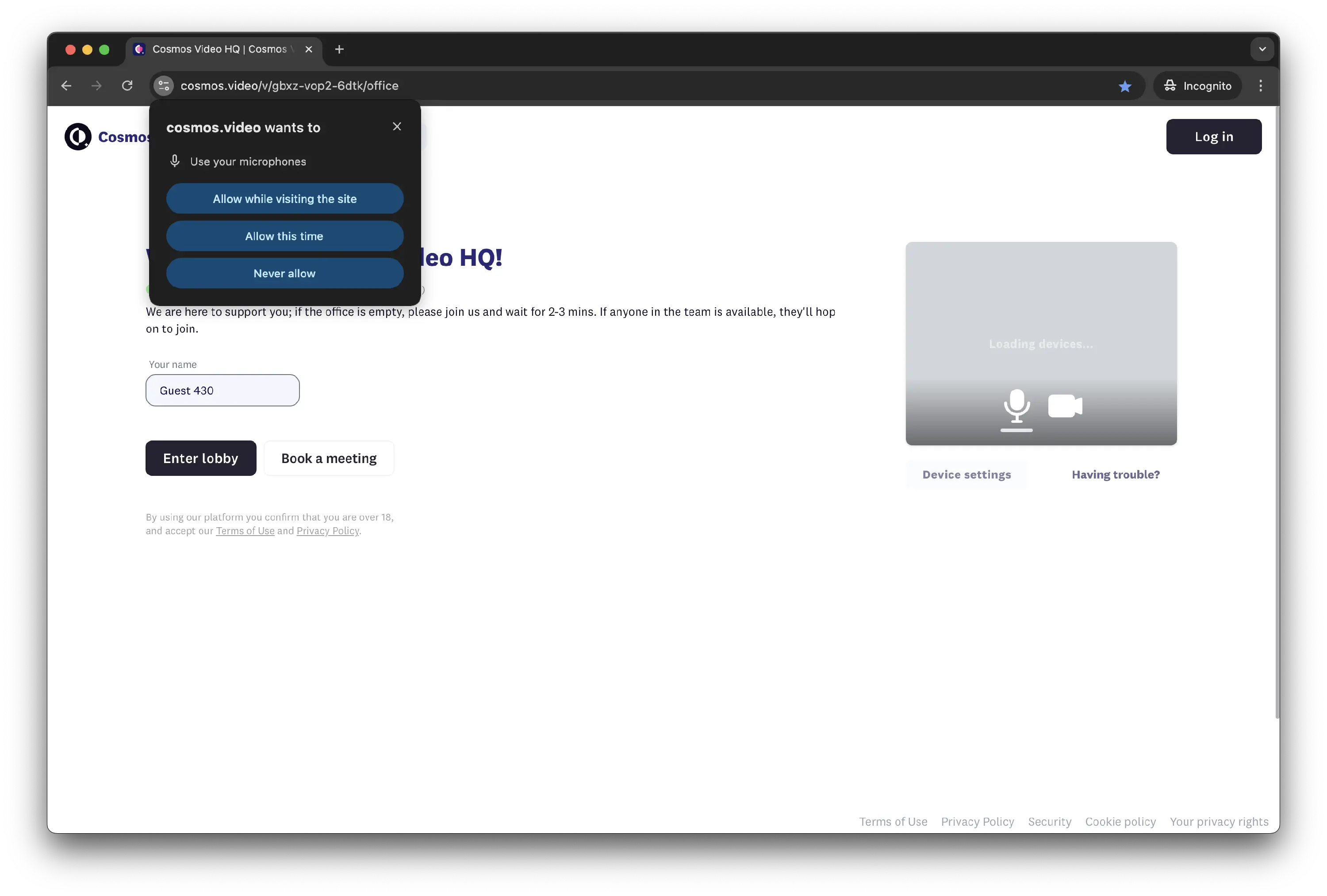
Cosmos Overview
Cosmos Video for Mac is a virtual office app for remote teams, replacing the standard video call grid with a shared spatial workspace where team members appear as avatars. Walking your avatar up to a colleague's starts a proximity-based conversation instantly, recreating the spontaneity of a physical office instead of requiring a scheduled call. Beyond that core feature, it includes meeting rooms, screen sharing, group chat, and Replay, an AI-powered call recording and transcription tool. Version 0.15.32, the current Mac release, runs natively on both Intel and Apple Silicon and connects to more than 30 workplace tools, including Slack, Google Calendar, and Figma. A free plan is available, with paid tiers priced by concurrent users rather than a flat per-seat fee.
Why Choose Cosmos Video for Mac
Standard video call tools put everyone in a grid and require scheduling a meeting for even a quick question. Cosmos Video works differently: team members see each other as avatars moving through a shared virtual office, and starting a conversation is as simple as walking up to someone, recreating the spontaneity of overhearing a colleague or catching them at their desk. This puts it in the same category as tools like Gather and Kumospace, though Cosmos leans more heavily on its integration list and AI-powered Replay feature to fit into an existing workflow rather than replace it.
That spatial approach doesn't come at the cost of standard collaboration tools. Meeting rooms handle larger scheduled calls, screen sharing and group chat cover everyday coordination, and Replay's AI-powered recording and transcription means you don't have to be present for every conversation to catch up on it later. With integrations across more than 30 tools, including Slack, Google Calendar, and Figma, it's built to sit alongside the tools your team already uses rather than replace them entirely.
Key Features
- Proximity-based audio and video that starts conversations by walking up to a colleague
- Customizable office floor plans for organizing your team's virtual space
- Meeting rooms for scheduled calls and larger group discussions
- Screen sharing built directly into the platform
- Group chat with channels and direct messages
- True Statuses for signaling when you're free to talk
- Replay, an AI-powered call recording and transcription tool
- Integrations with more than 30 tools, including Slack, Google Calendar, Outlook, Miro, and Figma
- Team building games for remote team engagement
- Pricing based on concurrent users rather than per-seat licensing
What's New in 0.15.32 Version
Cosmos Video 0.15.32 continues the platform's ongoing development cycle. Recent focus areas include:
- Continued stability improvements across the desktop app
- Ongoing refinement of proximity audio and video performance
- Maintained compatibility with recent macOS releases
- Since Cosmos Video is actively developed as a cloud-connected platform, most meaningful updates happen on the backend, with the desktop app receiving regular compatibility and performance updates.
Supported macOS Versions
Cosmos Video requires macOS 11 or later and runs natively on both Intel and Apple Silicon Macs. The desktop app is a moderate 193.81 MB download, and since the platform relies on a stable internet connection for spatial audio and video, a reliable connection matters more here than for most desktop apps.
How to Install Cosmos Video on macOS?
Setting up Cosmos Video on your Mac takes just a few steps.
- Download the latest version of Cosmos Video for Mac.
- Open the downloaded installer file.
- Follow the on-screen instructions to complete installation.
- Launch Cosmos Video from your Applications folder.
- Sign in or create an account to join or set up your team's virtual office.
- Once installed, you can start exploring your team's virtual office right away.
How to Use Cosmos Video mac?
- Open Cosmos Video and sign in to your team's workspace.
- Move your avatar around the office floor plan to see who's available.
- Walk up to a colleague's avatar to start a proximity-based conversation.
- Use meeting rooms for scheduled calls with larger groups.
- Enable Replay if you want AI-powered recording and transcription for a session.
- Connect integrations like Slack or Google Calendar to fit your existing workflow.
Final Verdict
Cosmos Video takes a genuinely different approach to remote team collaboration, replacing the standard video call grid with a spatial virtual office where proximity starts conversations naturally. Its combination of meeting rooms, screen sharing, AI-powered Replay, and wide integration support makes it a capable alternative to piecing together separate tools. For distributed teams that miss the spontaneity of an in-person office, Cosmos Video is worth trying, especially with a free plan available to start.
Download Cosmos Video for Mac Latest Version
Ready to give your remote team a shared virtual office?
Download Cosmos Video for Mac to bring proximity-based conversations, meeting rooms, and AI-powered call recording to your distributed team. Whether you're running a fully remote company, coordinating a hybrid team, or just want more spontaneous collaboration than scheduled video calls allow, Cosmos Video gives your team a shared space that works like a real office.